Old photographs fail in predictable patterns. AI restoration isn’t a single, universal fix. It’s a collection of specialized algorithms, each trained on specific types of damage. Use the wrong one and you risk making things worse. A tool for scratches might garble color. A color-correction engine could ignore a major tear.
This guide isn’t a ranking of “best” tools. It’s a practical framework for matching the problem with the right technological solution. The logic is simple: diagnose the primary defect, then select the tool built for it.
The Main Types of Photo Damage
You have to name the problem before you can fix it. AI models are specialists. A noise-reduction algorithm sees a photo differently than a scratch-removal model. Their training data defines their capability. Misalignment leads to poor results, or even new digital artifacts. The type of decay dictates the necessary computational approach.
Common degradations in old photos fall into distinct technical categories. The primary damage types are as follows:
- Physical scratches and surface tears;
- Faded colors and tonal imbalance;
- Visible grain and digital noise;
- Blur from motion or focus issues;
- Loss of fine facial or texture detail.
This isn’t just a list. It’s your diagnostic checklist. The dominant category on your photo determines your next move. Your choice of tool depends directly on which problem is most severe.
Renew Photo
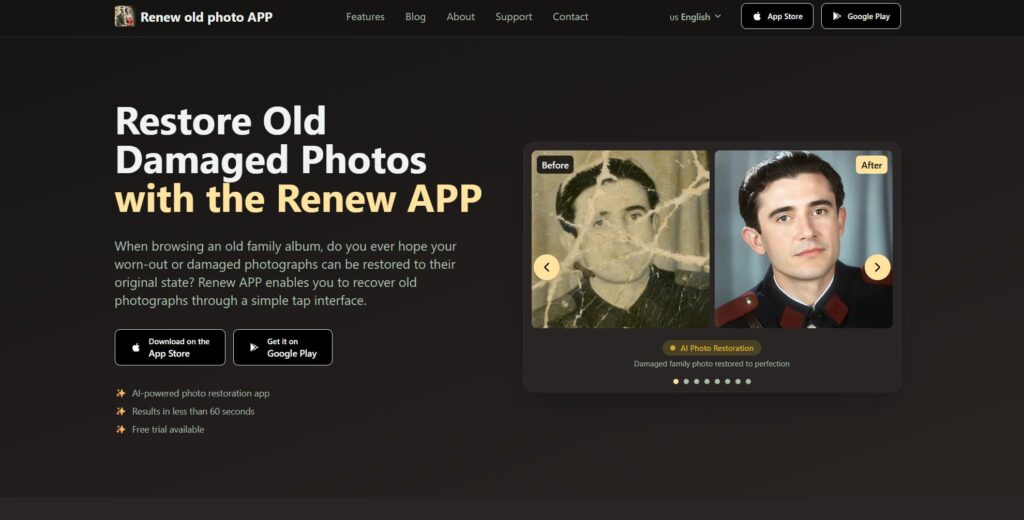
Renew Photo operates as a multi-stage AI restoration pipeline for complex, layered damage. It’s designed for photos where problems overlap and compound. The system sequences several specialized models. One might reconstruct structural integrity, another analyze color loss, and a third generate plausible detail. This isn’t a single filter. It’s an automated reconstruction workflow for photographs with multiple, simultaneous systemic failures.
When Renew Photo Is the Right Choice
This tool is engineered for severe deterioration where issues are not isolated. Its architecture is built to handle several concurrent defects. The most appropriate scenarios are specific and challenging:
- Old printed photos with layered damage;
- Combined fading and physical wear;
- Archival images with multiple defect types;
- Scans showing structural and tonal issues.
Consider Renew Photo for deep, automated reconstruction of difficult cases. It is not for minor touch-ups. It makes a series of educated, stacked guesses to rebuild a compromised image. Its limitations are inherent to this automated, multi-model process. Complex, unique textures like specific fabrics can be smoothed into generic patterns.
Very fine, individual facial details are often approximated rather than restored with perfect accuracy. The final result is also heavily dependent on the quality of your original scan; a low-resolution, muddy source file guarantees a poor, if cleaner, outcome.
RetroFix
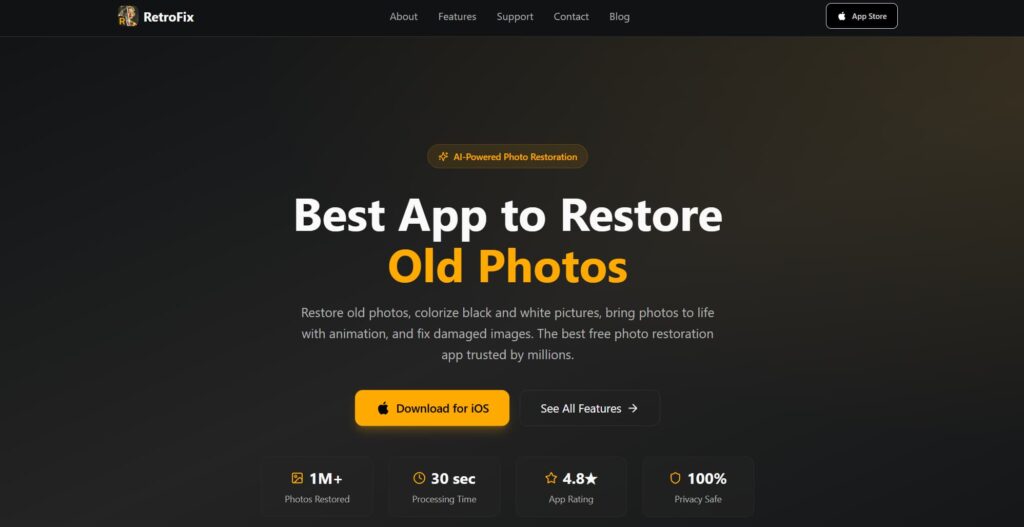
RetroFix is optimized for speed and simplicity with a singular focus on portraits. The process is fully automated, often just a single click. Upload a photo containing faces and receive an enhanced version quickly. Its algorithms are heavily tuned for facial feature reconstruction, skin tone correction, and the removal of common portrait flaws like dust or minor scratches. This specialization makes it a straightforward choice for reviving personal or family photos where ease of use is critical.
Where RetroFix Performs Best
The service targets common, non-professional restoration tasks centered on human subjects. It’s designed for the family album, not the archival portfolio. It delivers reliably improved results in well-defined scenarios:
- Family and studio portrait photos;
- Light scratches or dust marks;
- Basic restoration of faded colors;
- Quick enhancement without manual settings.
RetroFix is for getting a better-looking portrait fast, with zero technical effort. It prioritizes a socially acceptable finish over absolute fidelity. This focus creates clear practical trade-offs. The algorithm often aggressively blurs or removes intricate background details to isolate the subject.
It performs weakly on severe physical damage, like large tears or missing sections. Outputs can exhibit an overly smoothed, sometimes artificial texture on skin and hair, homogenizing unique characteristics.
Topaz Labs
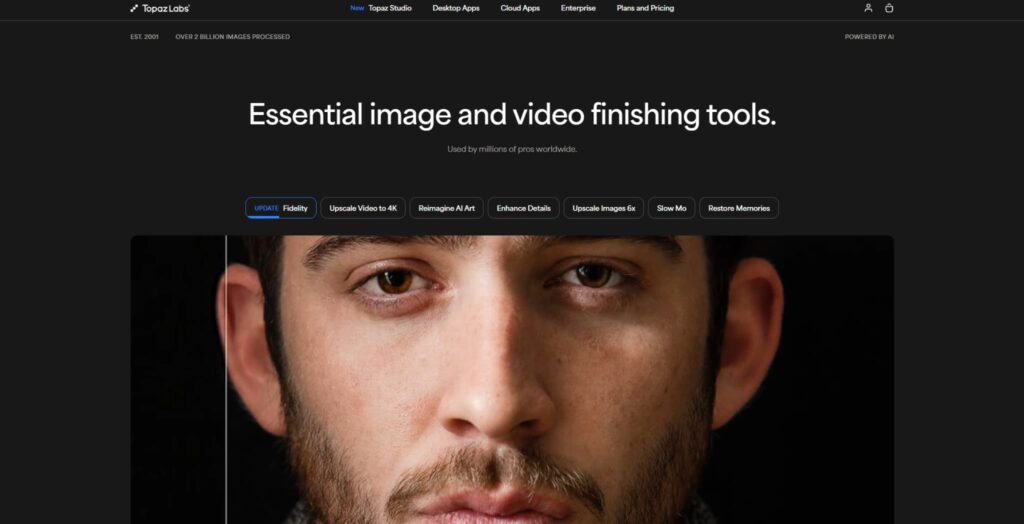
Topaz Labs is a desktop application focused on detail recovery, sharpening, and noise suppression. It is not a classic “restoration” tool for repairing tears or scratches. Think of it as a quality enhancer for decent scans. It uses locally processed, computationally intensive AI models to upscale, deblur, and manage grain. Its strength is in making a good scan look exceptionally crisp and detailed.
When Topaz Labs Makes Sense
This software serves a specific purpose in a quality-focused workflow. It’s for users who have a reasonably intact source file and want to maximize its latent clarity. It is most appropriate for technical enhancement:
- High-resolution scans with visible noise;
- Photos needing detail sharpening;
- Images with soft focus or motion blur;
- Restoration requires fine texture retention.
Topaz is the tool you use for finishing, not foundational repair. It’s for making details pop after the major damage is addressed elsewhere. This power comes with defined constraints. It is not designed or optimized for repairing heavy physical damage; it’s a detail and clarity engine.
It requires a desktop installation and a relatively powerful computer with a good GPU for efficient processing. The array of models and controls presents a steeper initial learning curve compared to automated web tools.
Choosing Based on Damage Severity
The search for a universal “best” tool is misguided. Effective restoration is about matching severity and type. You need to be honest about what you’re holding. Is it a slightly faded portrait with a scratch? That’s a job for a fast, automated portrait fixer. Is it a complex archival scan with tears, stains, and color loss? That demands a deep, multi-model reconstruction pipeline. Is it a decent scan that just lacks sharpness and has some noise? A detail-enhancement desktop tool is your answer.
These tools are not in competition. They cover different segments of a spectrum. Using a deep reconstruction engine on a simple problem is inefficient overkill. Using a quick auto-fixer on a severely damaged heirloom is a recipe for disappointment. There is no champion. There is only the correct instrument for the specific task defined by your photograph’s unique state of decay. Let the damage guide your choice, not marketing claims or app store charts.